Context on every lead
Page, building, price range, language and source, ready for your CRM.
Every lead lands in your inbox with the page, building, price range, language and source, then goes to your CRM, a webhook or email.
Pre-launch. Fictional listings until your MLS is connected.
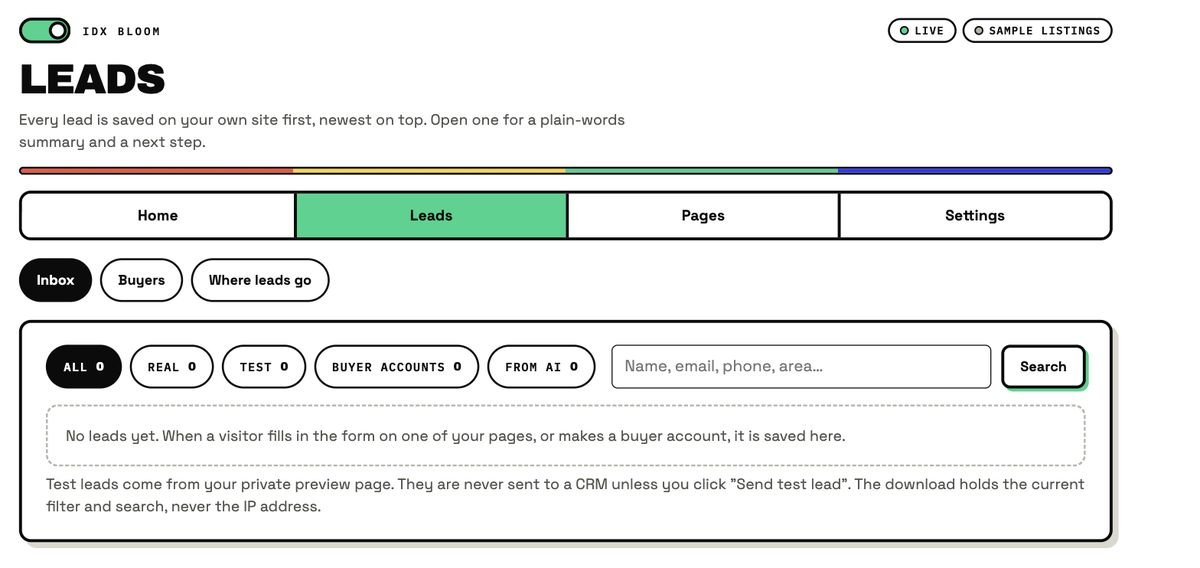
The inbox is the plugin's own screen. A fresh demo site has no leads yet, so the counts read zero. Test leads come from your private preview page and are never sent to a CRM unless you click Send test lead.
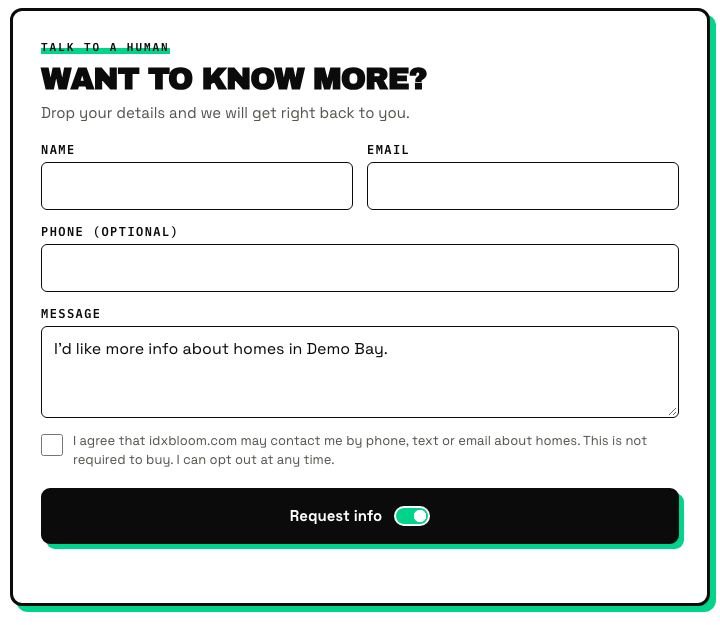
On a planted grid, a grown page or a listing. Consent box if you turned it on.
Saved on your own site first, newest on top, with page, building, price range, language, source and a plain-words summary.
To one of seven CRMs, a webhook or email, and is retried automatically if the CRM does not answer.
Page, building, price range, language and source, ready for your CRM.
Open a lead for a short summary in English or Spanish and a next step.
All, Real, Test, Buyer accounts and From AI, plus a search box.
The download holds the current filter and search, never the IP address. Delete what you no longer need.
A contact-consent checkbox on the lead form, recorded with the lead.
In Preview mode, leads are saved as test leads and are not sent to a CRM until you click Send test lead.
This card illustrates the fields a lead carries. The names and values are made up.
An inline lead form is planted after every grid and on listing pages. Each lead remembers which page and building it came from.
There are no pipelines, drip emails or auto-responders in IDX Bloom. Your CRM does the follow-up; IDX Bloom sends it the lead with the context a good follow-up needs.
Planned, not built: lead routing rules and AI replies to leads. Planned
| The old way | IDX Bloom | |
|---|---|---|
| What arrives | A name and an email | Plus page, building, price range, language and source |
| Reading it | Open the form and guess | A plain-words summary in English or Spanish |
| If the CRM is down | The lead can be lost | Saved first on your site, then retried automatically |
| Export | Copy and paste | CSV of the current filter and search |
The page the visitor was on, the building or neighborhood, price range, language and source, plus an optional contact-consent checkbox recorded with the lead. In the Leads inbox you also get a plain-words summary in English or Spanish.
Every lead is saved on your own site first, and failed sends to your CRM are retried automatically.
Every lead is saved on your own WordPress site first, newest on top, in the Leads inbox. You can filter and search it and download a CSV (the download never includes the IP address), or delete leads.
Yes, an optional contact-consent checkbox you can turn on. When it is used, the answer is recorded with the lead.
Not yet. Your CRM does the assigning and the follow-up; IDX Bloom sends it the lead with its context. Routing rules are on the roadmap as Planned.
Not yet. Today a lead gets a plain-words summary in the Leads inbox, in English or Spanish. AI replies to leads are Planned.
The demo runs the real plugin on fictional listings. Nothing on it is a real home.
Start a free pilot (no card), try the live demo with fictional listings, or join the waitlist.