Everything it does.
One plugin.
IDX Bloom reads every page and places the right search, listings and lead form on it.
What IDX Bloom does
Plain-words search
Type it the way you would say it.
Map and draw search
Price pins, draw an area, near me.
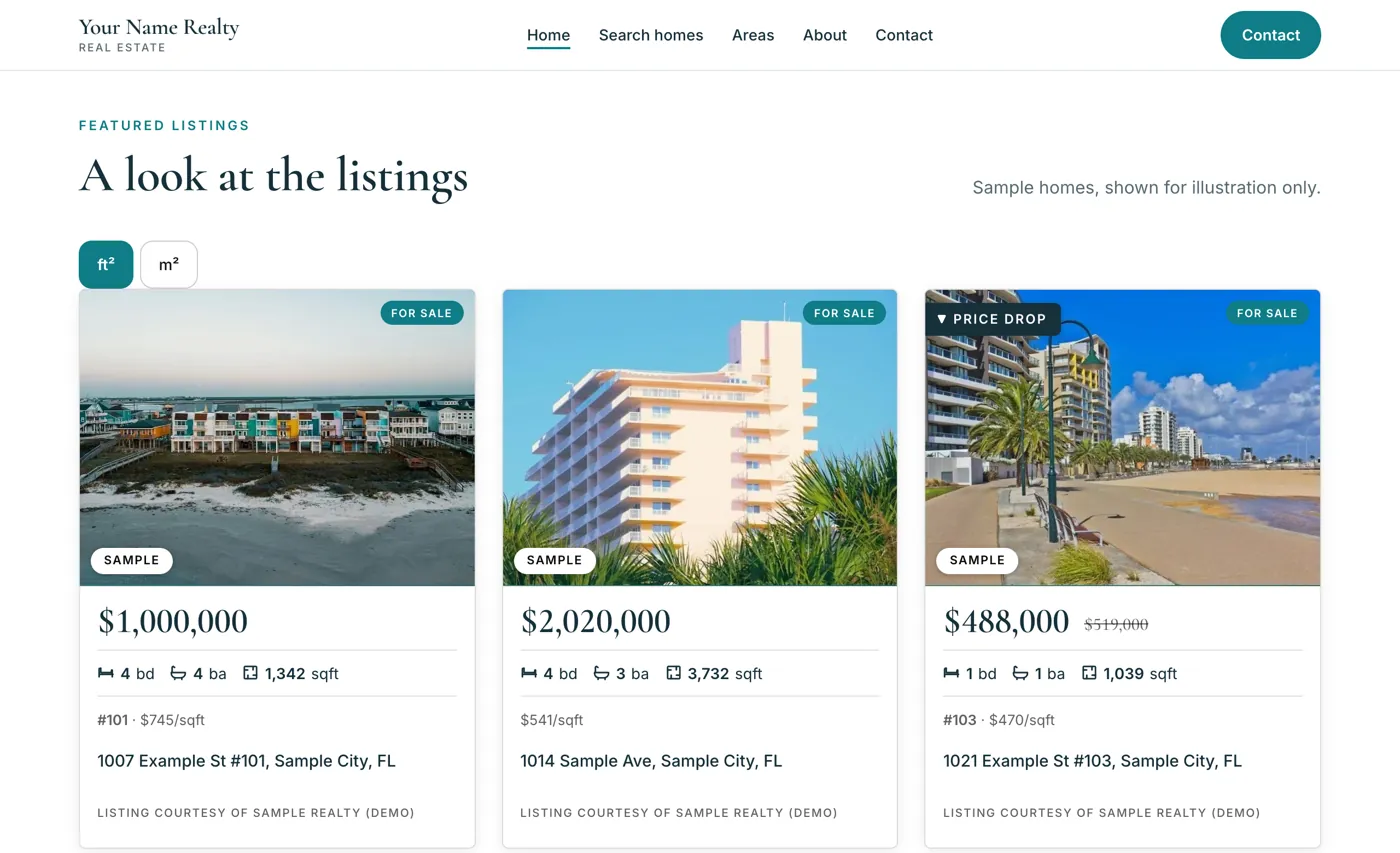
Listing pages
Gallery, monthly cost, one-tap contact.
Neighborhood and building pages
The pages you are missing, grown for you.
AI search visibility
Pages built to be read and quoted.
Leads inbox
Every lead with context, then on to your CRM.
Buyer accounts
Favorites, saved searches and alerts.
Living here
Schools, commute and flood facts on many listings.
Dashboard and CRM sync
Leads, activity and routing in one place.

Questions, answered
Which features come with the plugin?
Nine: plain-words search, map and draw search, listing pages, neighborhood and building pages, AI search visibility, a leads inbox, buyer accounts, Living here, and a dashboard with CRM sync. The All features page marks each line Built, Planned or Needs your MLS data partner.
Which features help me handle leads after they arrive?
The leads inbox saves each lead on your site first, newest on top, with a plain-words summary, filters, search and CSV export, then sends it on to your CRM. Instant alerts email you on every lead, with Call and WhatsApp buttons. Buyer accounts add favorites, saved searches and alerts, and show you totals of returning buyers.
Does it slow my site?
It is built not to. Listings are cached and refreshed in the background, so a page never waits on the data feed.
Where can I see which features are built and which are planned?
The All features checklist marks each line as Needs your MLS data partner, Planned or Built. A link to it sits at the top of the Features list, next to the demo button. Planned lines carry notes such as Next, not in this release, so a Planned line is a plan and not a shipping feature.
What are neighborhood and building pages?
They are the pages your site is missing, grown for you from real listing counts. Each carries dated facts, an FAQ and a Spanish twin, and you approve them before Google sees them. Area and building pages are marked Built on the checklist, and a homeowner value page per building is marked Planned.
See listings on your website in 3 steps.
7 days free. No card. Then $49/mo.